
iPhone Cable Name Clip - Customizable
- Arrives in 2 to 7 business days Printed in Auckland. $10 shipping, free over $75
- 14-day faulty refund If it arrives broken or misprinted, we reprint or refund it
- Secure checkout Card payments handled by Stripe
- Material
- High-Detail Resin (8K)
- Colour
- Grey
- Weight
- ~55 g
- Print time
- ~3 h
- Express shipping
- $20
More information
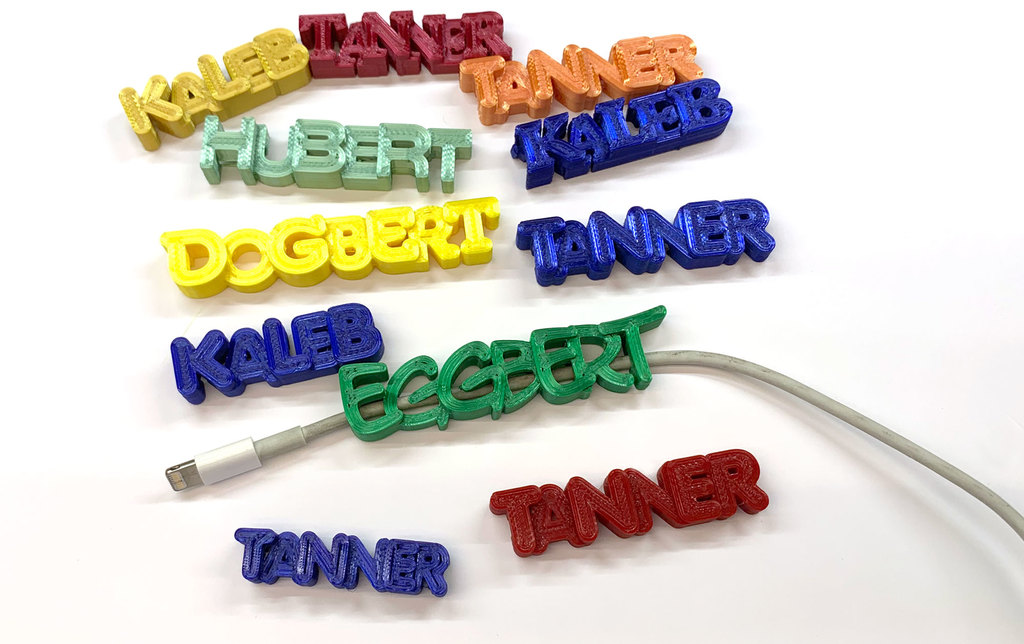
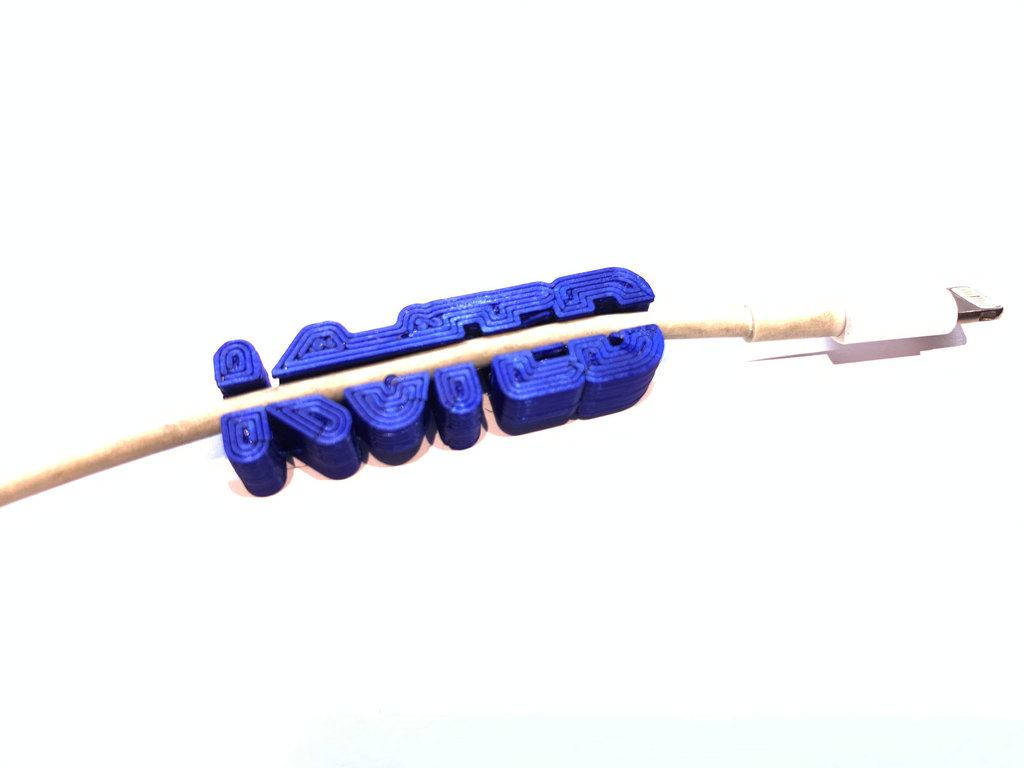
A friend wanted me to print a couple of phone charger name clips for his sons. We searched for STL files and came up empty. So when i found this SCAD file I modified it to do what we needed.
The clips fit my iPhone cables nicely. You may have to modify the SCAD file for other cable sizes, but it's easy and I tell you how to do it below.
Many thanks to Dkoss & iamburny for their original work that I built upon.
Customizing the SCAD file
Install the free OpenSCAD program on your computer. It's small and available here:
OpenSCAD - Downloads
Immediately after opening the iPhone_Name_Label_v6.scad file, save it as some other file name. That gives you a fallback position if you screw it up. (also make good use of the undo button on the ribbon at the top.
Edit the SCAD file where indicated for FONT, TEXT, SPACING.
Font_name = "Forte"; (Try any font on your system, some work better than others. you can get a list of fonts by clicking Help, Font list, from within OpenSCAD. I used MelodBold, Flubber, Glockenspeil, LetterOMatic!
Text = "DOGBERT"; Change this to the name you want to print
Letter height and spacing: This area is where you set the letter heights and spacing between letters. I recommend entering the first 2 letters of the name you want and adjusting them, then add another letter and adjust it. Press F5 to get a preview. Continue adding letters until you finish the name. This keeps the display from getting cluttered.
letter_1_height = 8; // [0:0.5:20] Change the "8" to whatever looks best to you
letter_2_space = 10.3; // [-20:0.5:20] Change the "10.3" to whatever looks best keeping in mind that the letters should overlap somewhat
letter_2_height = 5.0; // [0:0.5:20] Change the "5". Again, use your judgement Continue adjusting height and spacing for each letter. Use decimals as needed.
Continue until you've edited all the letters
twist = -0; - I set this to 0 because the twist function didn't appeal to me, but experiment if you want. 5 is a good starting place.
Loop settings are leftover from the keychain application. So if you want a keychain instead, use these settings and set CableSlot to False.
CableSlot = "True"; True enables the cable slot
Dia = 2; This is the diameter of the cable slot, 4mm fit my cables nicely
TxtSz = 13 - This controls the size of the text in the Y dimension. The X dimension is controlled by this AND the spacing you entered above.
Print Settings
Printer Brand:
Printrbot
Printer:
Printrbot Plus
Rafts:
No
Supports:
No
Resolution:
.2
Infill:
25%
Filament: Any PLA Any
Notes
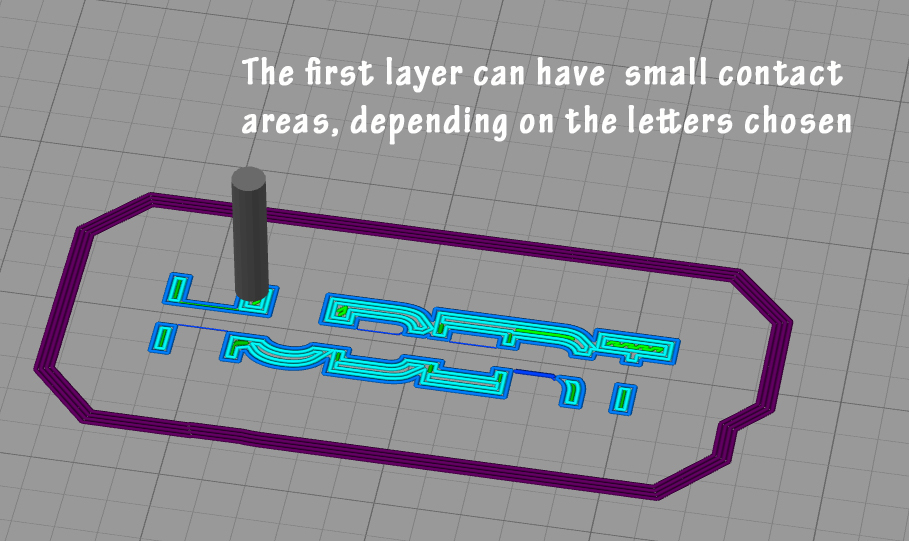
Insure your printer can stick small footprint files to the bed well. Slow it down a lot if your print is coming loose. Adjust the bed, etc. I wouldn't advise using a brim.rn
Category: Mobile Phone
Design and description by FishGee , licensed CC-BY.
Frequently asked
How long does shipping take?
iPhone Cable Name Clip - Customizable is printed to order. Lead time is typically 1-3 business days plus 1-4 days NZ shipping. Standard NZ shipping is $10, free over $75.
What material is this printed in?
By default this is printed in High-Detail Resin (8K) at 0.025 mm layer height on an MSLA resin printer. Custom material and colour swaps are available, just leave a note at checkout.
Can I get this in a different colour?
Yes. Every product can be printed in any of the resin colours we stock, or hand-painted on request. Leave a note at checkout or email [email protected].
Do you ship outside of New Zealand?
Currently New Zealand only. Australian shipping is coming.
Who designed this?
Designed by an independent sculptor and licensed for commercial printing. The original is linked on this page.