
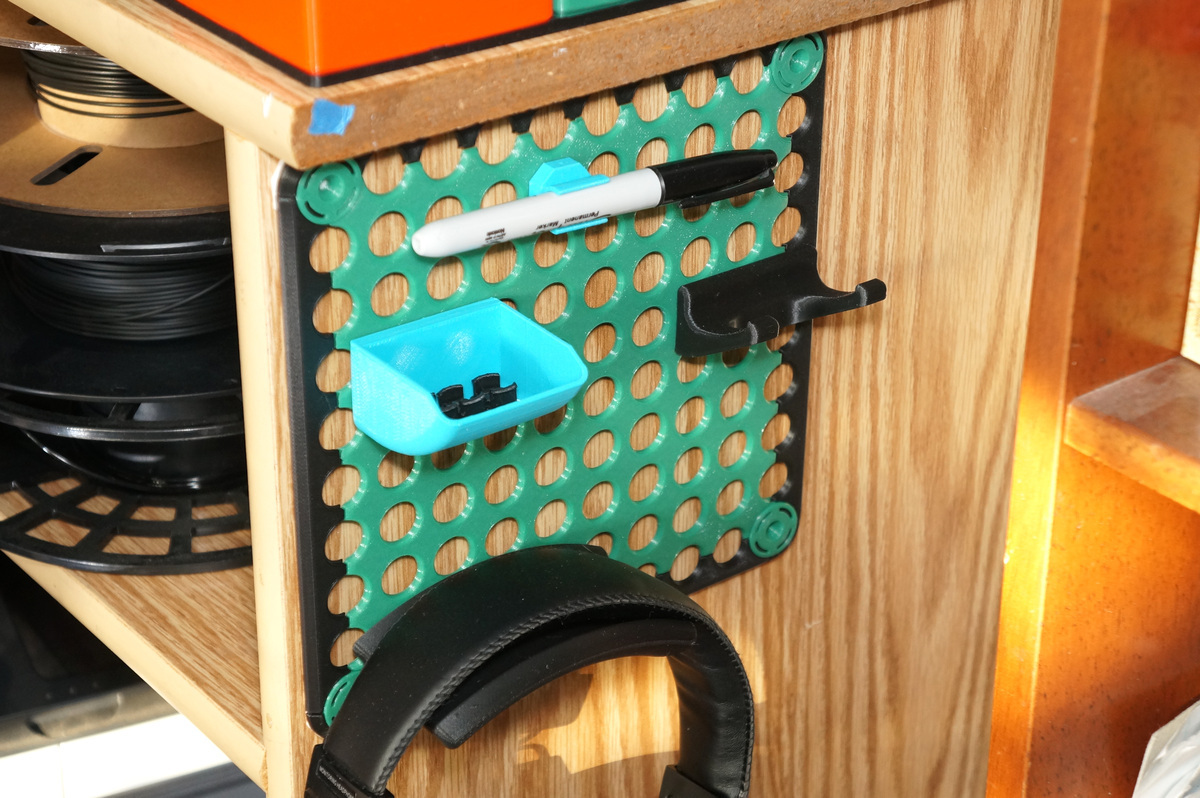
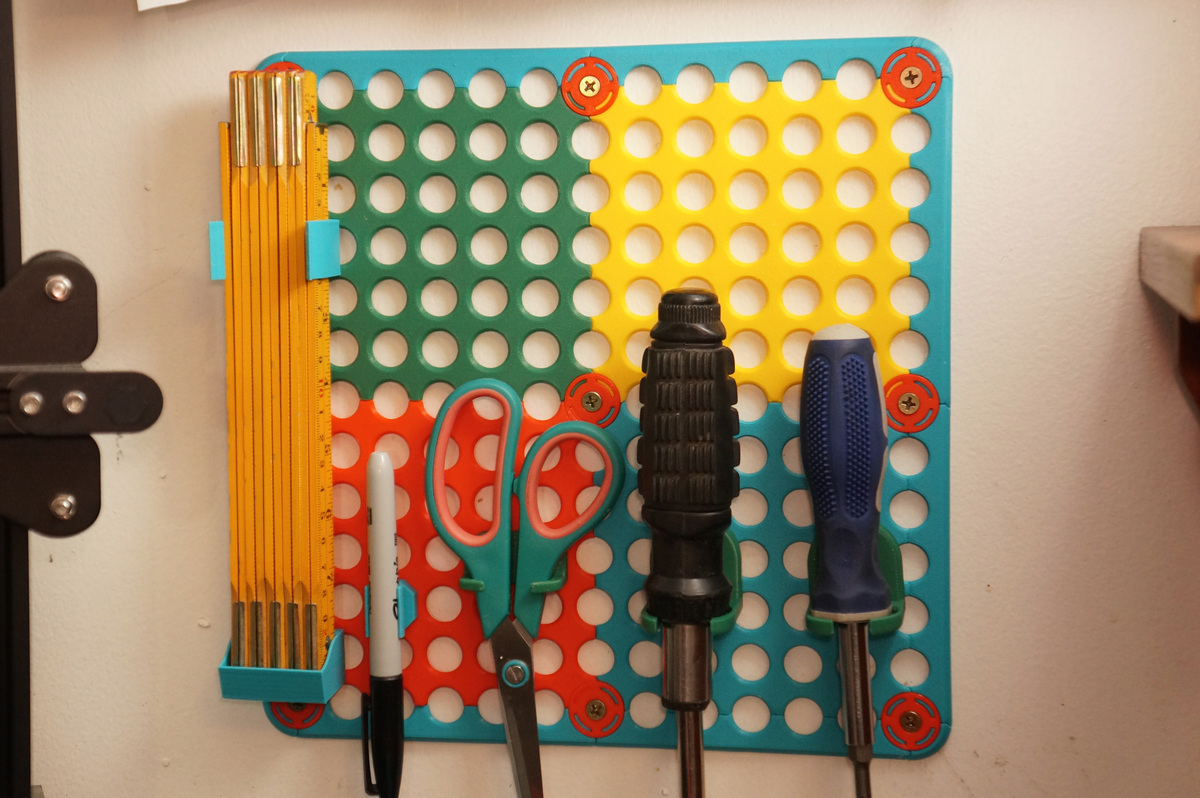
Quall179, a modular storage wall panel compatible with Qube 500 accessories
- Arrives in 2 to 7 business days Printed in Auckland. $10 shipping, free over $75
- 14-day faulty refund If it arrives broken or misprinted, we reprint or refund it
- Secure checkout Card payments handled by Stripe
- Material
- High-Detail Resin (8K)
- Colour
- Grey
- Weight
- ~91 g
- Print time
- ~5 h
- Express shipping
- $20
More information
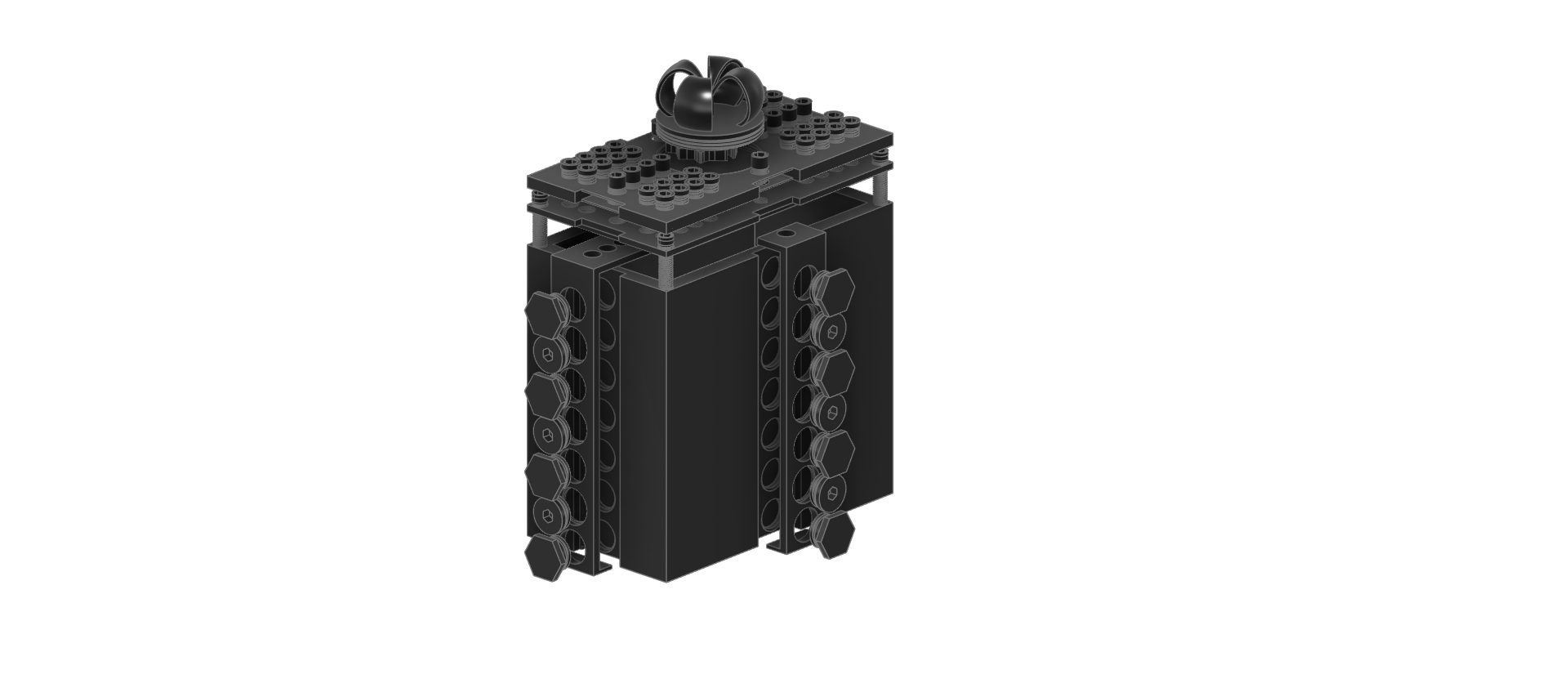
Make a storage wall to complement your Qube 500!
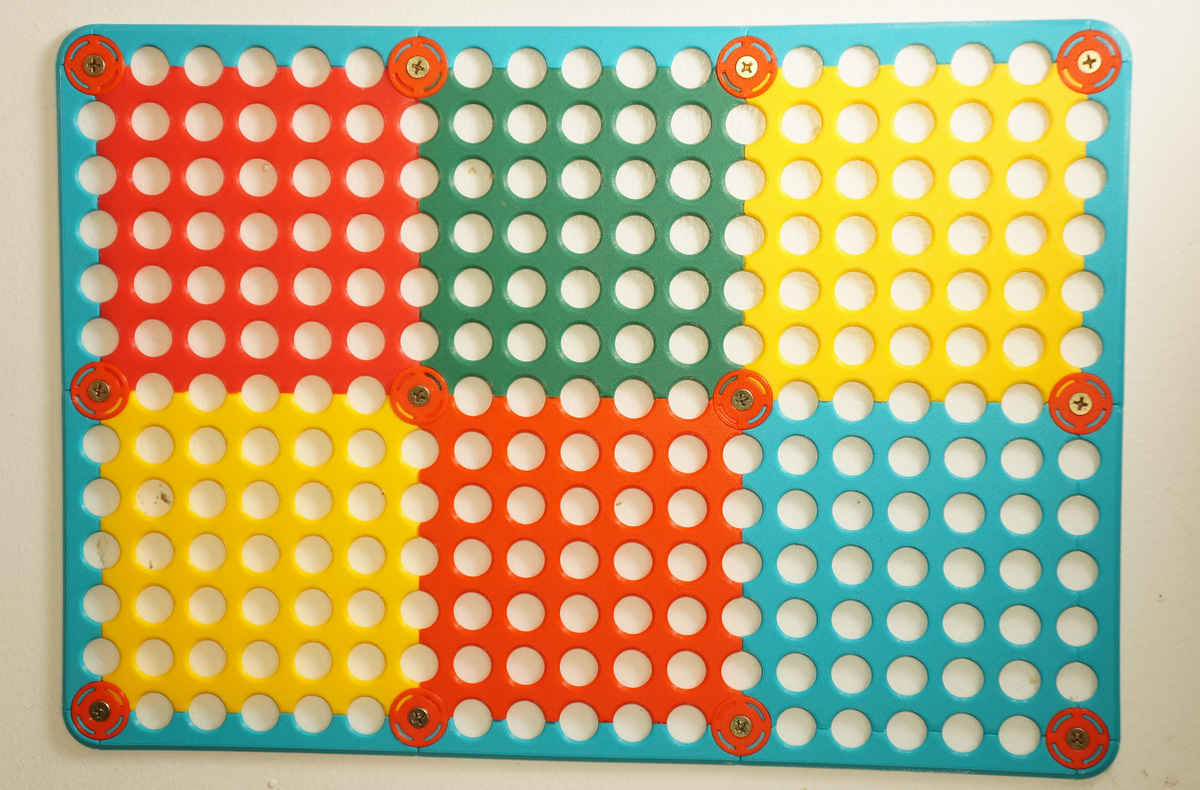
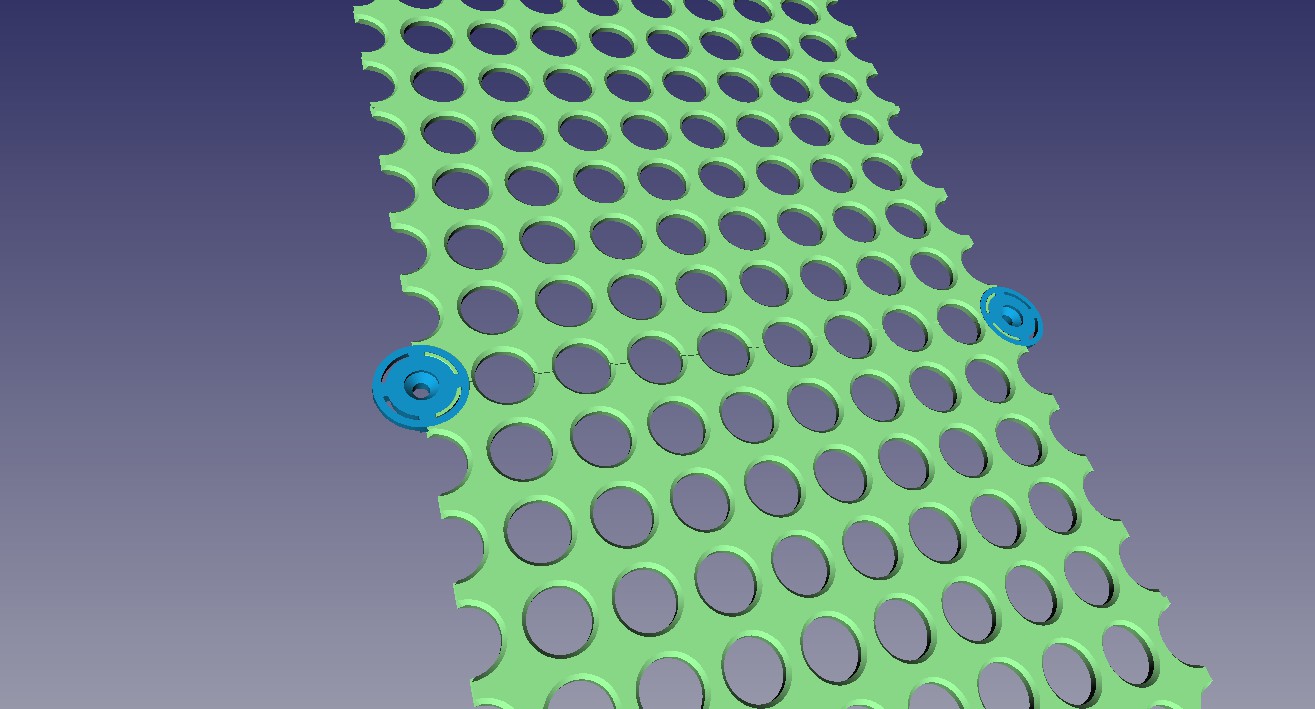
The Quall179 organization system uses the same form factor as the panels of the Qube 500, but it attaches to your walls. As a modular system, it expands to meet your needs. The fully parametric model can be customized to your printer and your wall space.
Print your panels, mounting posts, frames and corners. As they clip together the posts will align your panels. A screw, bolt, or adhesive holds the assembly to your wall.
Quall179 prints great in PLA. Printing with 0.2mm layers is recommended for the smaller parts. The panels can be printed with thicker layers. Supports are not required.
To customize the model, download the .FCstd file, and open it with the latest FreeCAD (the file was created in FreeCAD 0.21.1). FreeCAD runs on most OSes and is completely free, get it here: https://www.freecad.org/. Edit the values in the spreadsheet labeled “data.” All values are labeled and described and should make sense especially after you start to modify them.
To determine how many of each model to print you'll have to do some quick calculations. First measure the space you want to fill. Subtract 30mm from your measurements for the width of the frame. Then determine which size panel comes closest to dividing evenly into those measurements without going over. Panels are 20mm multiplied by the “size” in the file name on each side, so a panel of size 9 is 180mm by 180mm. So for example if your wall space is 600mm by 400mm you could use a 3 by 2 grid of size 9 panels. The result is a Qual179 wall that is 180mm x 3 + 30mm =570mm by 180mm x 2 + 30mm = 390mm.
Once you've decided how many panels you need to print you can determine the number of mounting posts and frames with the following formulas. If A is the number of columns of panels in you grid and B is the number of rows, the number of mounting posts you need to print is:
#of Mounting Posts = (A + 1) * (B + 1)
example: for a 3x2 grid, (3 + 1) * (2 + 1) = 12 Mounting Posts
And the number of frames you need to print is:
#of frames = 2 * (A + B)
example: for a 3x2 grid, 2 * (3 + 2) = 10 frames
Additionally you will need 4 corners.
Oct 6 2023, Edit: I added perimeter frames to give the wall panels a finished look.
Oct 27 2023, Edit: Uploaded STLs of panels and frames up to size 12.
Design and description by Ptarmigan , licensed CC-BY-SA.
Frequently asked
How long does shipping take?
Quall179, a modular storage wall panel compatible with Qube 500 accessories is printed to order. Lead time is typically 1-3 business days plus 1-4 days NZ shipping. Standard NZ shipping is $10, free over $75.
What material is this printed in?
By default this is printed in High-Detail Resin (8K) at 0.025 mm layer height on an MSLA resin printer. Custom material and colour swaps are available, just leave a note at checkout.
Can I get this in a different colour?
Yes. Every product can be printed in any of the resin colours we stock, or hand-painted on request. Leave a note at checkout or email [email protected].
Do you ship outside of New Zealand?
Currently New Zealand only. Australian shipping is coming.
Who designed this?
Designed by an independent sculptor and licensed for commercial printing. The original is linked on this page.
![Stackable gridfinity storage basket [PARAMETRIC]](/cdn/51db84ac-b7f8-4642-b6e3-2a1d12d0472a/images/10077963_4a63a7ec-ee44-40ca-b8bc-8cebb4d0f3f1_b9bf23c4-3a02-4923-84ff-f6a4bc110bb8/3_2_4_grid_withbins.jpg)